Photo & video stories
Import your own photos, clips, or text-only scenes and arrange them into a story with a clear flow.
Best for: travel, birthdays, memories, family updates.Family memories. Social videos. AI story drafts.
Turn photos, videos, narration, captions, and story ideas into polished scenes you can share with family or export for TikTok, Instagram, and other social platforms.
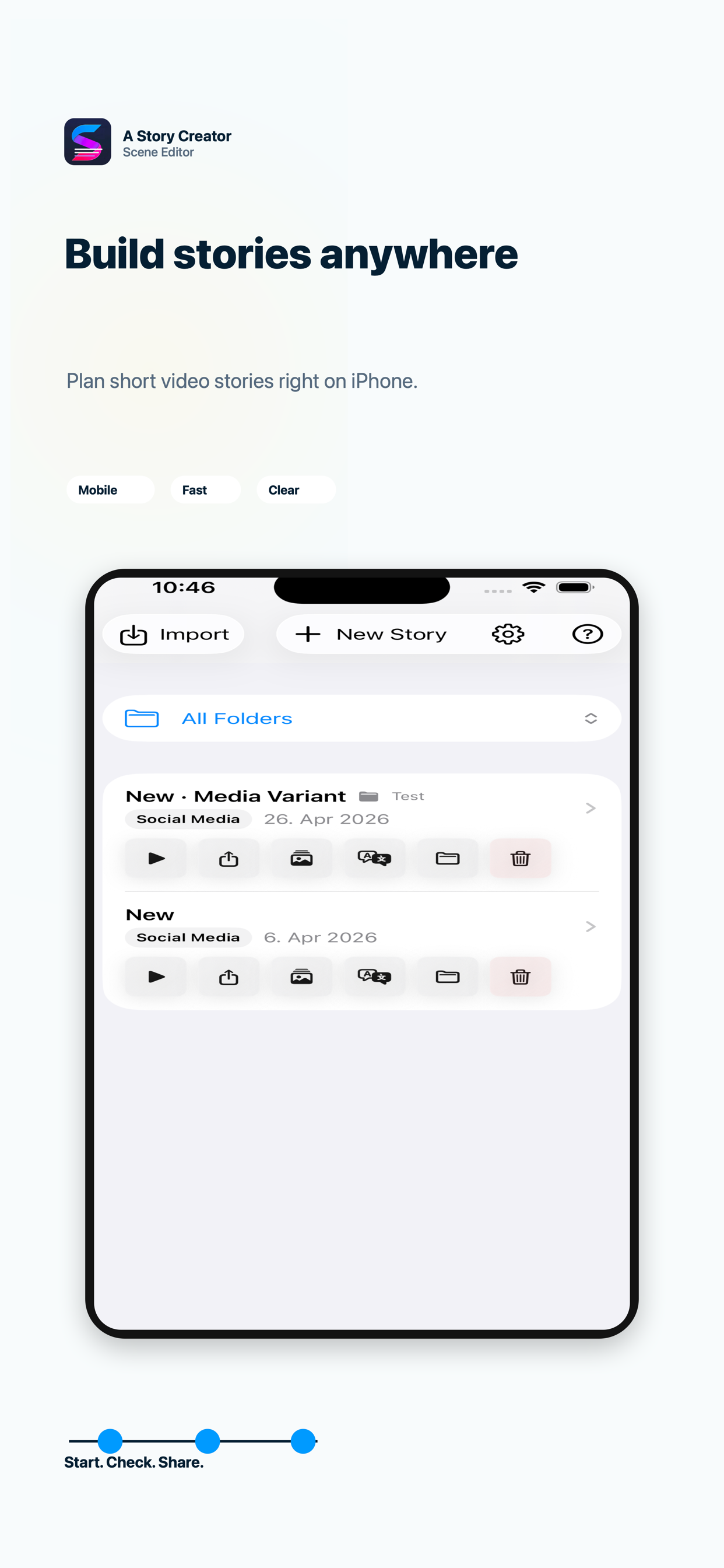
Create a story manually or with AI, refine every scene, then share the finished video or project.
The core features are visible right away, so you can see whether the app fits your story workflow.
Import your own photos, clips, or text-only scenes and arrange them into a story with a clear flow.
Best for: travel, birthdays, memories, family updates.Start with a short idea and generate a first storyboard with scene text, narration, prompts, hashtags, and export copy.
Best for: fast drafts, social ideas, blank-page moments.Add visible captions, narration text, recorded voice, or text-to-speech so each scene explains itself.
Best for: voiceover stories, tutorials, accessible playback.Preview vertical stories, export rendered videos, copy captions and hashtags, or share complete project files.
Best for: TikTok, Instagram, Shorts, reusable projects.From creating the story to editing scenes, previewing playback, and preparing the final export.
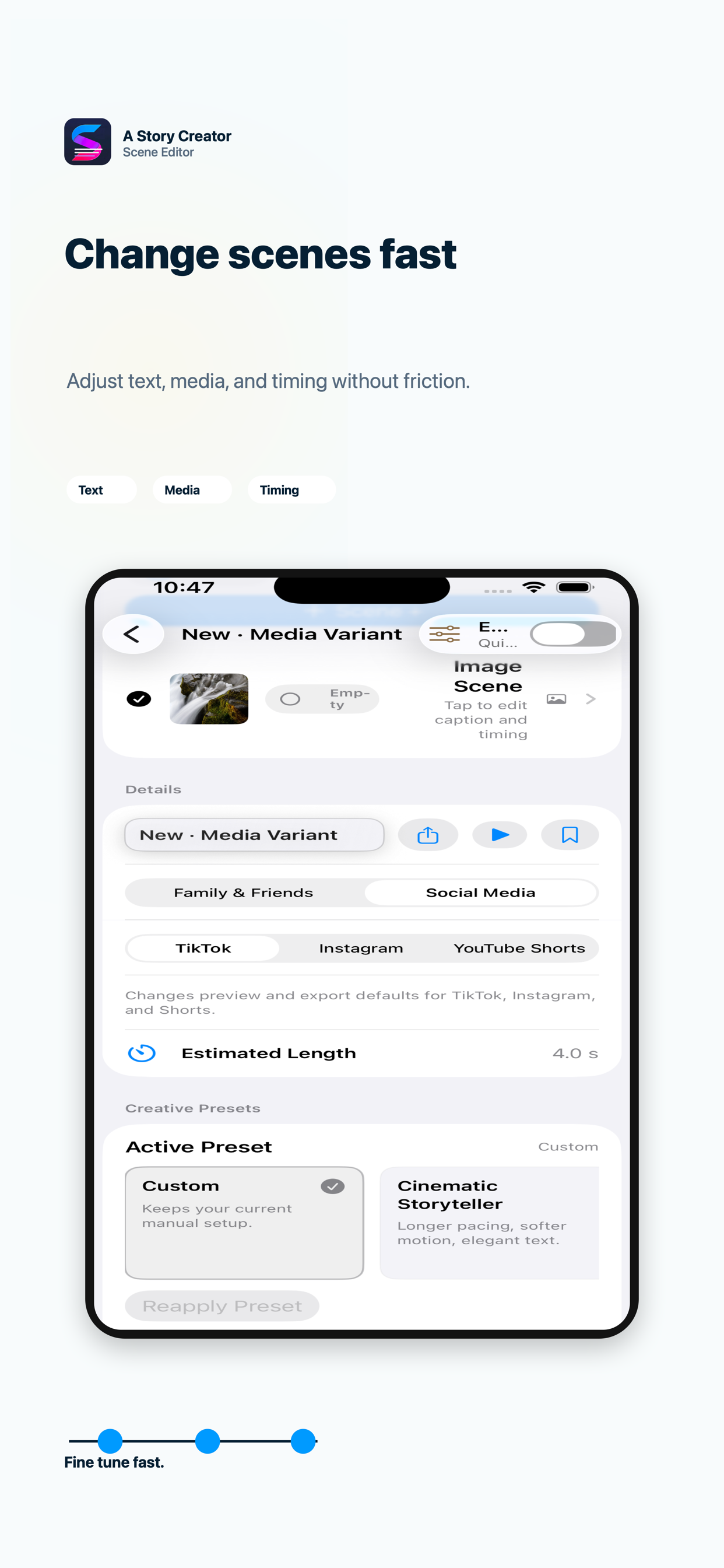
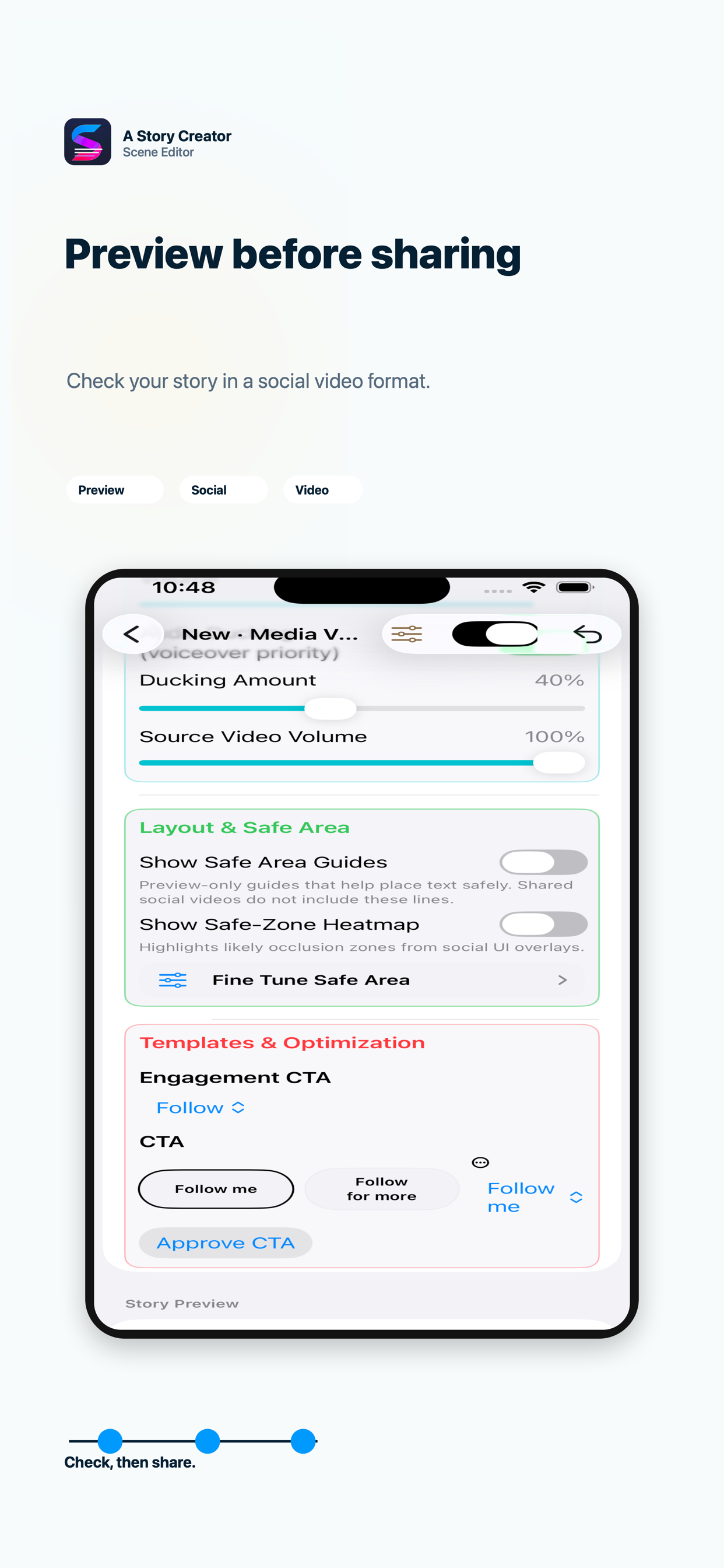
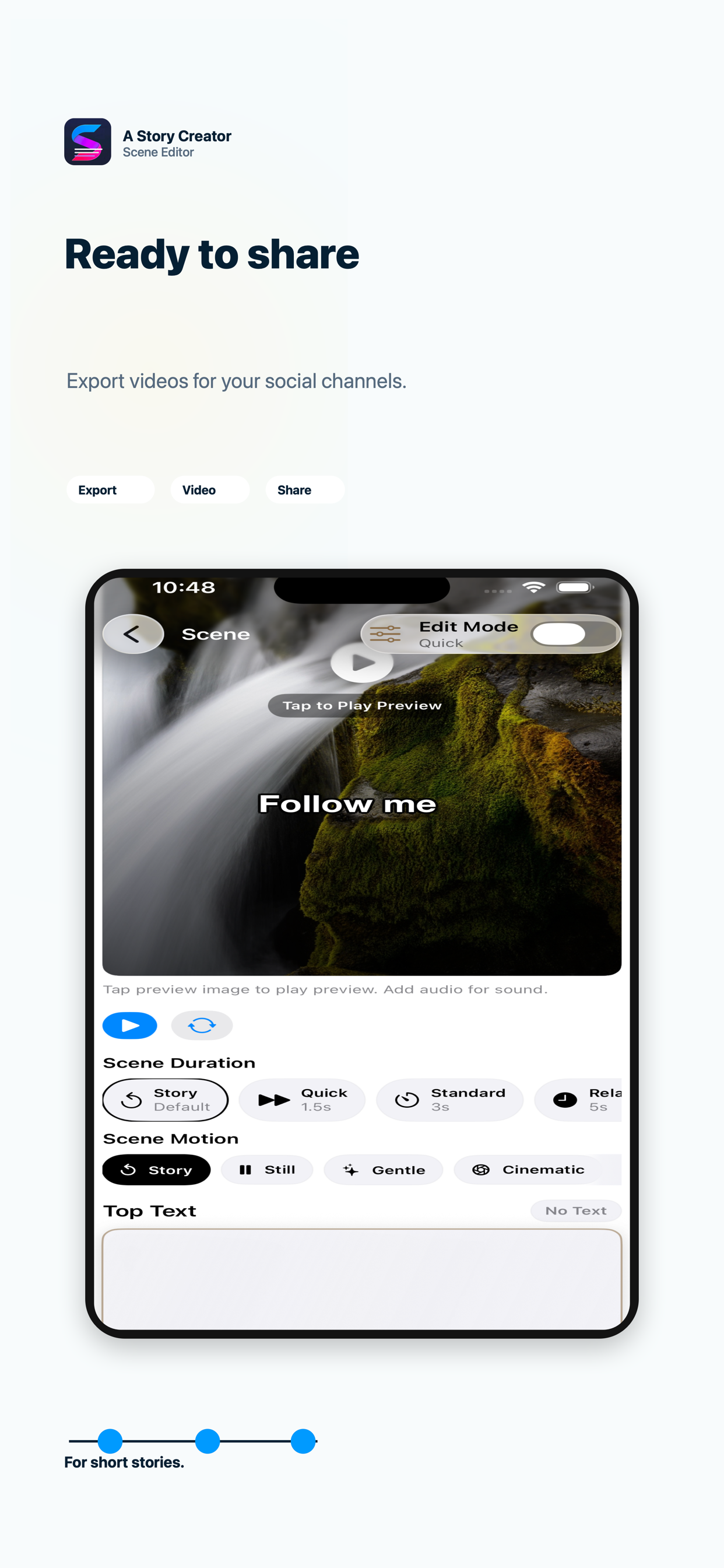
A Story Creator is useful in three different situations: private memories, social content, and AI-assisted first drafts.
Collect photos and videos from birthdays, trips, school moments, or everyday memories. Add narration, timing, and simple scene text so the result feels intentional.
Start a family storyShape short vertical stories with hooks, captions, call-to-action text, hashtags, and export-ready video output for social platforms.
Create a social videoStart from a prompt, generate a structured storyboard, then refine scenes, narration, image prompts, video prompts, and export copy before publishing.
Try AI story creationHow it works
The app keeps the creative process practical: build a storyboard, edit scene details, preview timing, then export the result when it is ready.
Enough structure to stay organized, enough control to make the story yours.
Manage story title, scene titles, captions, narration, text style, timing, and media in one place.
Use OpenAI-compatible services, Grok, local endpoints, or Apple on-device story generation where available.
Keep prompts visible so you can generate, repeat, or manually reuse them in your preferred tools.
Prepare platform captions, export videos, share projects, and keep your story assets organized.
Start with a few photos, a memory, or a one-line idea. A Story Creator helps turn it into something shareable.